
Claude for Teams: Chat, Cowork & Code Setup Guide
Your team is probably already using Claude. Someone on marketing pastes copy into it. An engineer runs Claude Code in their terminal. A project manager uses it to summarize meeting notes. The question isn't whether your company should use Claude. It's whether you should formalize it.
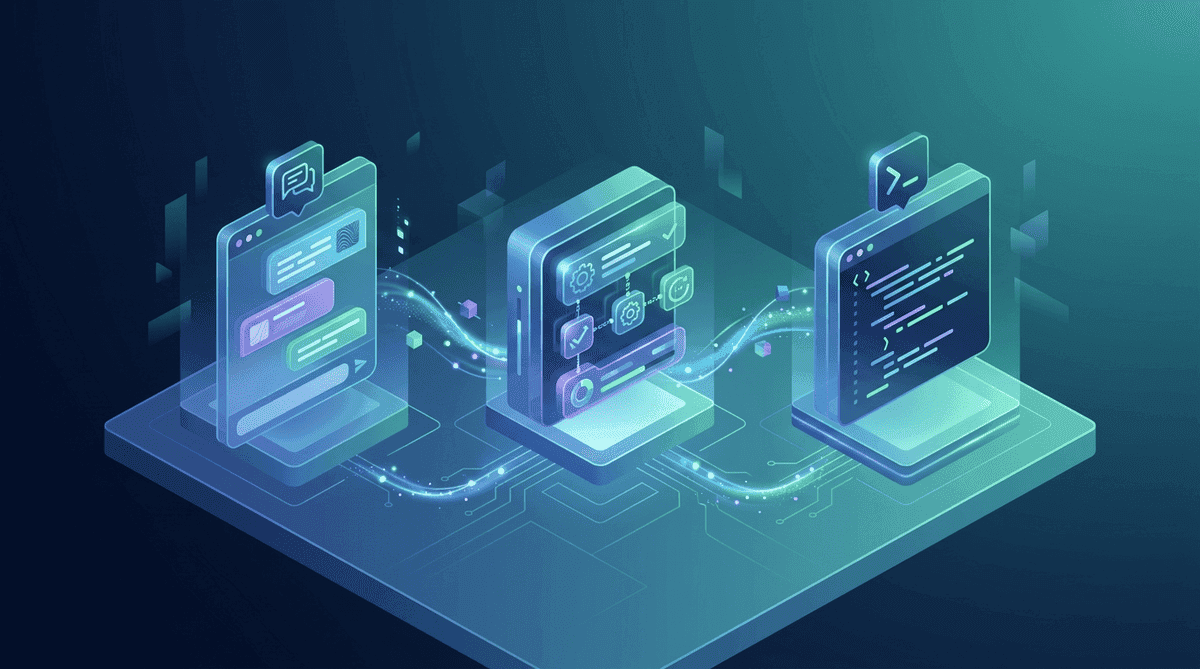
Anthropic now offers three distinct Claude products, each designed for different kinds of work. They also offer two business plans that give you centralized billing, admin controls, and higher usage limits. This guide walks through all of it, from what each product does to how the plans work and how to actually deploy Claude across your organization.
Why Companies Are Adopting Claude
The practical reasons are straightforward.
It reduces repetitive work. Customer support teams use Claude to draft response templates. Finance uses it to pull numbers from reports and summarize trends. Marketing writes first drafts, reworks copy, and analyzes campaign data with it. These are workflows we've deployed for real businesses.
It works with your existing tools. Claude connects to Slack, Google Workspace, Notion, GitHub, and Linear through integrations and MCP (Model Context Protocol). Your team doesn't need to switch platforms. Claude plugs into what you already use.
It scales with your team. One person using Claude saves an hour a day. Twenty people saves twenty hours a day. A Team or Enterprise plan gives you centralized billing and admin controls instead of twenty individual subscriptions.
Your data stays private. On Team and Enterprise plans, Anthropic does not train on your conversations or data. This is a hard commitment baked into the plan, with no settings to configure.
The Three Claude Products, Explained
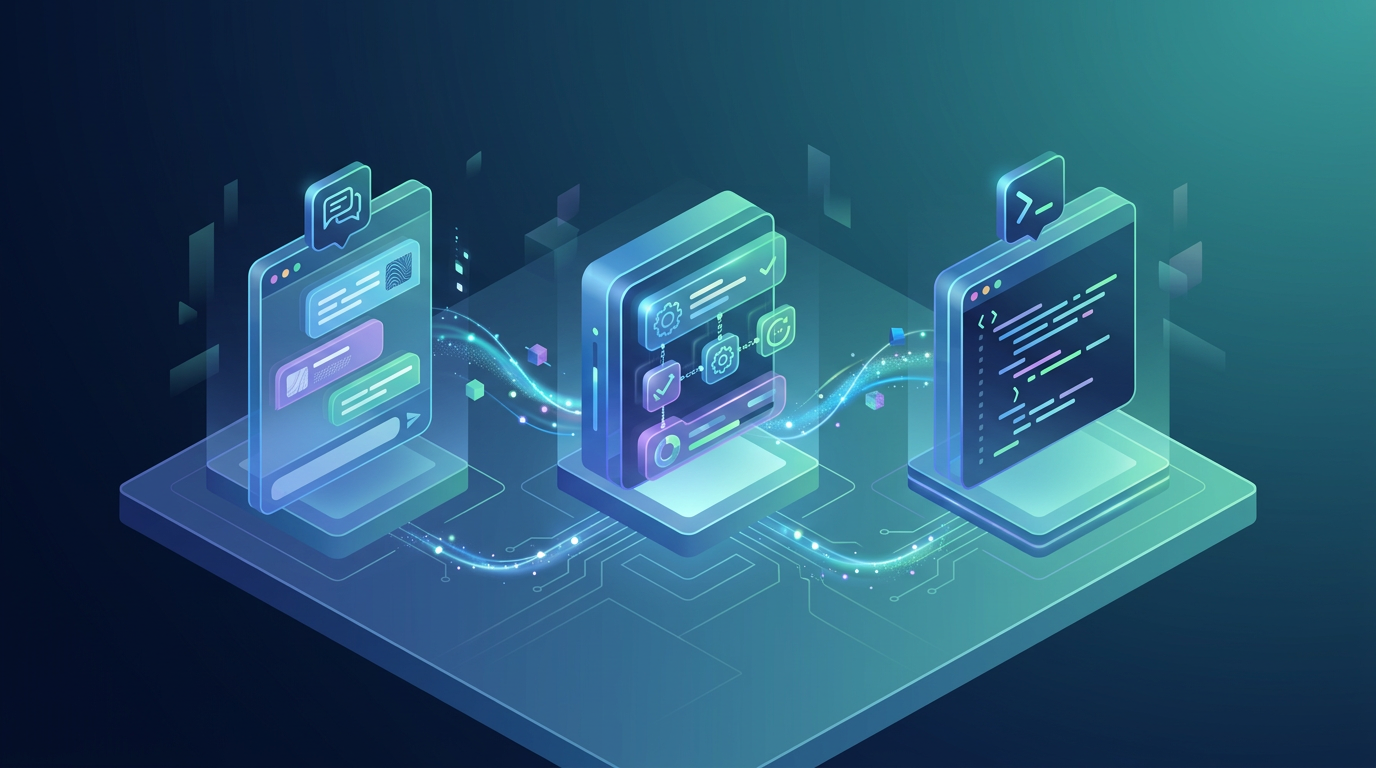
Anthropic has split Claude into three products. Each one targets a different kind of worker and a different kind of task. You should understand the differences before you start buying seats.
Claude Chat
This is the product most people know. You type a prompt, Claude responds. It handles questions, writing, analysis, and document review. At its core, it's conversational AI.
Chat works through the web interface (claude.ai), the desktop app, and mobile apps. It supports file uploads (PDFs, spreadsheets, images), has a Projects feature for organizing conversations by topic, and lets you create custom instructions to shape how Claude responds.
Best for: Knowledge workers, managers, marketers, analysts, anyone who communicates and creates documents as part of their job.
Claude Cowork
Cowork is the agentic product. Instead of answering questions, it does tasks. You give it a goal, point it at a folder on your machine, and it figures out the steps. It reads files, creates documents, and builds spreadsheets. The output is actual deliverables you can use, not chat responses.
What sets it apart is the integrations. Through MCP, Cowork connects to Slack, Google Drive, Google Calendar, Linear, Notion, GitHub, and dozens of other tools. It can schedule tasks to run daily or weekly without you being involved. Think of it as an AI employee that handles the operational grunt work.
Cowork runs inside a sandboxed Linux VM on your machine, so it can't access anything outside the folder you designate. It uses Claude Opus 4.6 with a 1 million token context window, which means it can process large document sets without losing track of details.
Best for: Operations teams, executive assistants, project managers, anyone who spends time on recurring tasks, report generation, or data processing.
Claude Code
Code is a terminal-native coding agent. It runs in your command line, reads your codebase, writes and edits files, and executes shell commands. Think of it as an autonomous coding agent. It can understand a project, plan multi-file changes, implement them, then run tests and fix issues.
Code works with any programming language and any development environment. It integrates directly with git and supports background agents for long-running tasks. You can also orchestrate it through the Claude Code SDK to build custom development pipelines.
Best for: Software engineers, DevOps teams, technical leads, anyone who writes or maintains code.
Chat vs Cowork vs Code: Quick Comparison
| Feature | Chat | Cowork | Code |
|---|---|---|---|
| Primary use | Conversation and writing | Task execution and automation | Software development |
| Interface | Web, desktop, mobile | Desktop app (sandbox VM) | Terminal / CLI |
| Output type | Text responses | Files (docs, spreadsheets, PDFs) | Code changes, commits |
| Tool integrations | File uploads, Projects | MCP (Slack, Drive, Calendar, etc.) | Git, shell, full filesystem |
| Scheduling | No | Yes (hourly, daily, weekly) | Yes (background agents) |
| Model | Sonnet 4.6 (default), Opus available | Opus 4.6 | Opus 4.6 |
| Context window | 200K tokens | 1M tokens | 200K tokens (expandable) |
| Autonomy level | Responds to prompts | Plans and executes tasks | Plans and executes code changes |
| Best for | Knowledge workers | Operations and admin | Engineering teams |
The Team Plan: $25/user/month
The Team plan is designed for companies with 2 to 500 users. It's the right starting point for most small and mid-sized businesses.
What you get
- Higher usage limits. Team members get significantly more messages per day than the free or Pro tiers. This matters when your team relies on Claude throughout the workday.
- Claude Opus 4.6 access. Your team gets access to Anthropic's most capable model for complex reasoning, analysis, and writing tasks.
- Shared Projects. Teams can create shared workspaces with custom instructions and knowledge bases. This is how you standardize Claude's behavior across departments. A sales team can have a Project with your product specs, pricing, and brand voice. A support team can have one with your documentation and common troubleshooting steps.
- Centralized billing. One invoice, one payment method. No more reimbursing employees for individual Pro subscriptions.
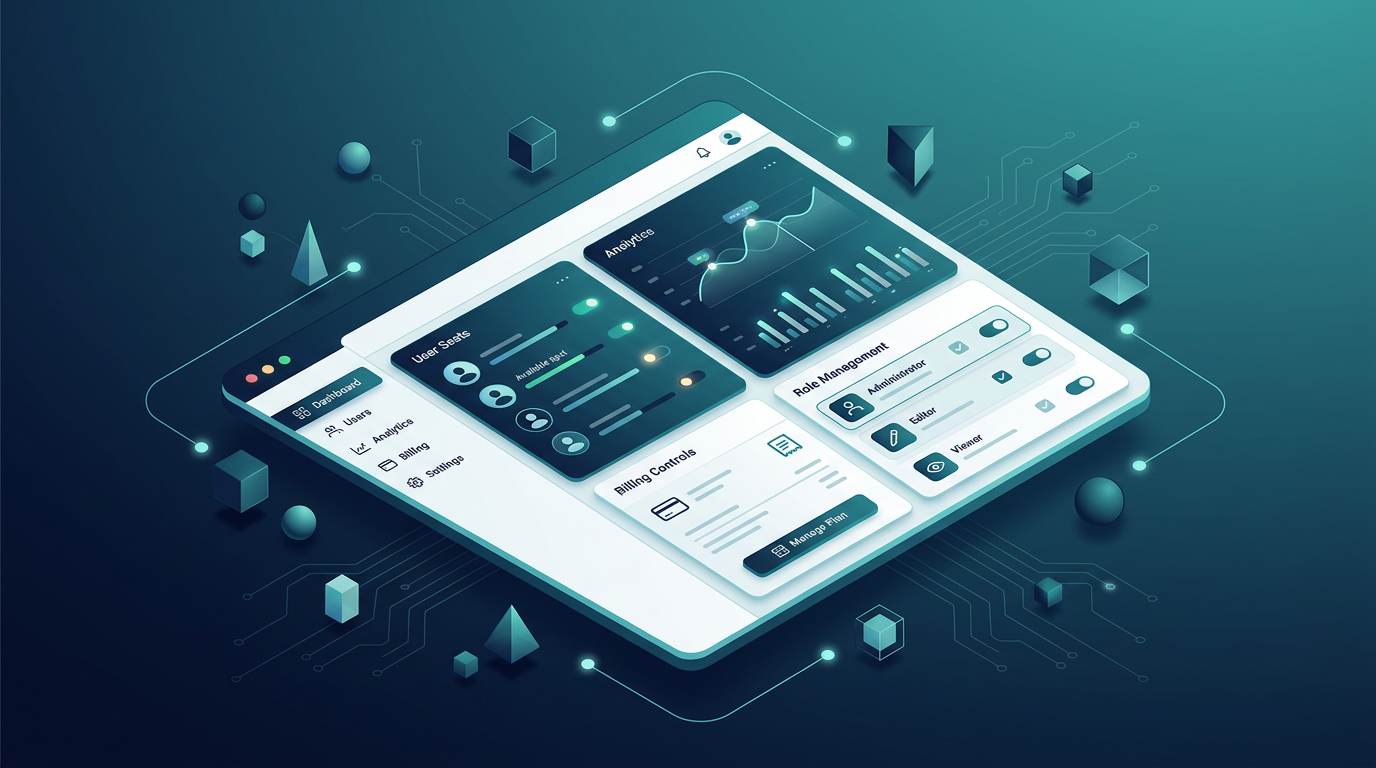
- Admin console. Manage members, set roles (admin, member), and control workspace settings from a single dashboard.
- Data privacy. Your conversations and uploaded files are not used to train Anthropic's models. Period.
- Early access to new features. Team plan members get priority access to new Claude capabilities as they roll out.
What you don't get
- SSO/SAML. Single sign-on is only available on Enterprise.
- Custom data retention. Default retention policies apply. Enterprise lets you configure this.
- Usage analytics. Detailed per-user and per-department usage dashboards are Enterprise-only.
- Priority support. Team plan gets standard support. Enterprise gets a dedicated account team.
- Domain verification. Enforcing that only users with your company email can join the workspace is an Enterprise feature.
For most companies under 100 people, the Team plan covers everything you need. Enterprise makes sense when you have compliance requirements, need SSO, or want per-department usage reporting.
The Enterprise Plan
Enterprise is built for larger organizations with stricter requirements around security, compliance, and control. Pricing is custom and based on your organization's size and needs.
Key Enterprise features
- SAML SSO and SCIM provisioning. Connect Claude to your identity provider (Okta, Azure AD, Google Workspace) for automated user management. When someone leaves the company, their Claude access is revoked automatically.
- Custom data retention. Set how long conversations and files are retained. Some regulated industries need 30-day retention. Others need 7 years. Enterprise lets you configure this.
- Usage analytics dashboard. See who's using Claude, how often, and for what. Break down usage by department, team, or individual. This data helps you measure ROI and justify the investment.
- Admin console with granular controls. Set permissions at the workspace, team, or individual level. Control which features are available to which groups.
- Dedicated account team. A named contact at Anthropic who helps with onboarding, troubleshooting, and optimization.
- Custom rate limits. Negotiate higher usage limits based on your team's needs.
- Audit logs. Track who accessed what, when. Essential for compliance in regulated industries.
- Domain verification and capture. Ensure all employees using Claude with your company email are funneled into your Enterprise workspace.
When to choose Enterprise over Team
You need Enterprise if any of these apply:
- Your company requires SSO for all SaaS tools
- You're in a regulated industry (finance, healthcare, legal) with specific data retention requirements
- You have 100+ users and need per-department usage tracking
- Your IT or security team requires audit logs and domain verification
- You want a dedicated Anthropic contact for support and optimization
Step-by-Step: Deploying Claude Across Your Company
This is the process we follow with our consulting clients to get Claude running across an organization.
Step 1: Audit current AI usage
Before you buy anything, find out who's already using Claude (or ChatGPT, or other tools) and what for. You'll almost certainly find fragmented usage across the company. Someone in marketing has a Pro subscription. An engineer uses Claude Code with their personal API key. Someone in sales discovered Chat last week.
Document the use cases. This gives you the foundation for your rollout plan.
Step 2: Choose your plan
For most companies, start with Team. You can always upgrade to Enterprise later. If you already know you need SSO or have compliance requirements, go straight to Enterprise.
Step 3: Set up your workspace
- Go to claude.ai and create a Team workspace
- Add your company name and billing information
- Invite your initial admin team (IT, department heads)
- Configure workspace settings (allowed features, default model preferences)
Step 4: Build shared Projects
This step is where most companies skip ahead and lose value. Before you roll out to the full team, create Projects for each department:
- Sales: Upload product specs, pricing sheets, competitor analysis, brand voice guidelines. Set custom instructions for tone and accuracy.
- Marketing: Upload style guides, past campaign data, target audience profiles. Set instructions for content formats.
- Support: Upload documentation, FAQ databases, troubleshooting guides. Set instructions for customer communication standards.
- Engineering: Upload architecture docs, coding standards, API references. (Though engineering teams will primarily use Claude Code.)
- HR: Upload policy documents, benefits summaries, onboarding materials.
These Projects become your company's institutional knowledge base inside Claude.
Step 5: Roll out by department
Don't launch to the entire company at once. Start with one or two departments where the ROI is clearest. Usually that's marketing (content creation) or operations (reporting and data processing).
Run a two-week pilot. Track time saved and output quality. Use those results to build the case for broader rollout.
Step 6: Train your team
Most people don't know how to write effective prompts. A 30-minute training session for each department covers:
- How to write clear, specific prompts
- When to use Chat vs Cowork
- How to use Projects and custom instructions
- What not to put into Claude (proprietary secrets, confidential client data, depending on your policy)
- How to review and verify Claude's output
Step 7: Measure and optimize
After 30 days, review usage data. Identify power users and departments that aren't adopting. Adjust training and create more Projects based on what's working.
Integration Options
Claude connects to your existing tools through several mechanisms. Here's what's available today.
Native integrations (built-in)
- Google Workspace: Claude can read and reference Google Docs, Sheets, and Slides when shared via the interface
- File uploads: PDFs, images, spreadsheets, text files, code files
MCP integrations (Cowork and Code)
Model Context Protocol is how Claude connects to external tools. MCP integrations available today:
- Slack: Read channels, send messages, search conversations
- Google Drive: Read and create documents, manage files
- Google Calendar: View events, find free time, create meetings
- Notion: Search pages, read databases, create content
- GitHub: Read repositories, create issues, manage pull requests
- Linear: Manage issues, view projects, track progress
- Sentry: Monitor errors, view issue details
- Stripe: View payments, manage subscriptions
- PostHog: Query analytics, view dashboards
- Supabase: Execute SQL, manage databases
API access
For engineering teams building custom integrations, the Claude API provides direct access to the models. Combined with the Claude Code SDK, you can build automated development workflows, custom chatbots, or internal tools powered by Claude.

Use Cases by Department
Here's how different teams in your company will actually use Claude. These are based on real deployments, not theoretical scenarios.
Sales
- Draft personalized outreach emails based on prospect research
- Summarize call transcripts and extract action items
- Generate proposal templates from past winning proposals
- Analyze competitor pricing and positioning
- Prepare meeting briefs from CRM data and LinkedIn profiles
Marketing
- Write blog posts, social media content, and email campaigns
- Analyze campaign performance data and identify trends
- Repurpose long-form content into multiple formats
- Draft press releases and media pitches
- Create A/B test variations for landing pages and ads
Operations
- Generate weekly status reports from project management tools
- Process and summarize customer feedback across channels
- Create standard operating procedures from informal documentation
- Automate data entry and reconciliation tasks using Cowork
- Schedule daily briefings that pull from Slack, email, and calendar
Engineering
- Implement features and fix bugs with Claude Code
- Review pull requests and identify potential issues
- Generate tests for existing code
- Write technical documentation from codebases
- Refactor legacy code with context-aware suggestions
Human Resources
- Draft job descriptions based on internal templates and market data
- Summarize candidate resumes and create comparison matrices
- Generate onboarding checklists and welcome packets
- Answer employee questions about policies using uploaded handbook
- Create training materials from existing documentation
Finance
- Analyze expense reports and flag anomalies
- Summarize quarterly financial data into board-ready reports
- Draft budget proposals based on historical data
- Review contracts for key terms and obligations
- Generate variance analysis reports
Customer Support
- Draft response templates for common issues
- Summarize ticket history for escalations
- Identify patterns across support tickets
- Create knowledge base articles from resolved issues
- Translate support content for international customers
Common Questions
Can I mix Team and individual Pro subscriptions? Yes, but it defeats the purpose. Team gives you centralized billing, shared Projects, and admin controls. If half your team is on individual Pro plans, you lose visibility and consistency. It's worth consolidating.
Does Claude store our data? On Team and Enterprise plans, Anthropic does not use your data to train models. Conversations are retained according to the plan's retention policy, but they're never fed into training pipelines.
Can we use Claude Code on the Team plan? Claude Code is a separate product with its own pricing (based on API usage through an Anthropic API key or a Max subscription). The Team plan covers Chat and Cowork. Your engineering team will typically use Claude Code with either individual Max subscriptions or the API.
What happens if someone leaves the company? On Team, admins can remove members from the workspace. On Enterprise with SCIM, deprovisioning is automatic when you remove someone from your identity provider.
Is there a minimum number of seats? Team plan requires a minimum of 2 seats. Enterprise minimums are negotiated based on your organization's size.
How Toronto AI Consulting Helps
We've deployed Claude across companies ranging from 5-person startups to 200-person firms. The technology is straightforward. The challenge is getting your team to actually use it well.
Here's what we do:
- Audit your current workflows to identify where Claude will have the most impact
- Design department-specific Projects with custom instructions and knowledge bases
- Set up Cowork automations for recurring tasks (daily reports, weekly summaries, scheduled data processing)
- Train your team with hands-on sessions tailored to each department's use cases
- Configure integrations (Slack, Google Workspace, Notion, GitHub, Linear) so Claude works inside the tools your team already uses
- Measure and optimize over 30 days to make sure the deployment is delivering results
We specialize in Claude and Anthropic's ecosystem. That focus means we know the product deeply, where it works well, where it falls short, and how to get the most out of it for your specific setup.
Ready to deploy Claude for your team? Book a free 30-minute consultation to discuss your company's specific needs and get a deployment plan.