
How to Use OpenClaw with GitHub: Dev Workflow Automation
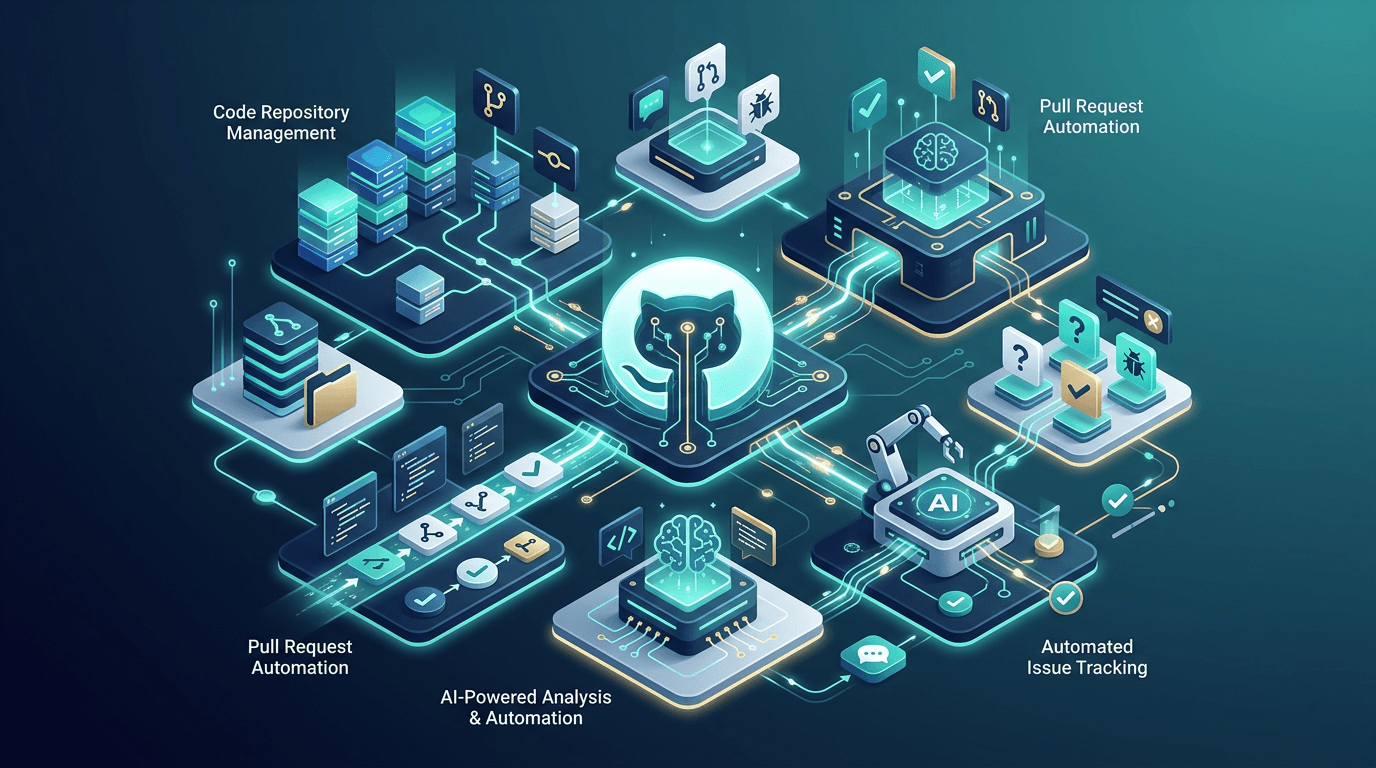
GitHub is where code lives, and for development teams, it's also where decisions happen. Pull requests, issues, code reviews, CI pipelines, release tags — every meaningful moment in a software project passes through GitHub at some point.
With OpenClaw, your AI agent becomes an active participant in GitHub workflows. It can commit code, open pull requests, review diffs, manage issues, monitor CI/CD runs, and keep your team informed about everything happening in the codebase. This post covers how all of that works.
Connecting OpenClaw to GitHub
The connection between OpenClaw and GitHub runs through a Personal Access Token (PAT). Generate one from GitHub's developer settings with the scopes you need (typically repo, workflow, and read:org), then add it to your OpenClaw workspace configuration.
Once the token is in place, your agent has full access to the GitHub API and can also use the git CLI directly. Both approaches have their place:
- GitHub API for reading issues, checking PR status, managing labels, and other metadata operations
- Git CLI for cloning repos, making commits, pushing branches, and handling merge operations
The combination means your agent can do anything a human developer does on GitHub, just faster and without context-switching.
Repository Access
Your agent can access any repository the PAT has permissions for. When a new repo is created, add it to the configuration and the agent can immediately start working with it. Frequently-used repos are cloned locally in the agent's workspace for faster operations.
For security, scope the PAT to only the repositories and organizations needed. There's no reason to give an AI agent access to every repo in an organization. Keep the permissions minimal.
Code Commits and Pull Requests
This is where things get practical. An OpenClaw agent can write and commit code as part of daily development work.
Writing Code
When your team needs changes, the workflow typically goes like this:
- A task is described in a Telegram message, a GitHub issue, or a Linear ticket
- The agent pulls the latest code, understands the codebase context, and implements the changes
- It creates a new branch, commits the changes with descriptive messages, and pushes
- It opens a pull request with a detailed description of what changed and why
- It notifies the team that the PR is ready for review
For content-heavy sites like blogs, the agent handles most of the content workflow this way — new posts get written, committed to the repository, and deployed through the CI pipeline.
Commit Quality
Commit messages matter. Sloppy commit messages make the git history useless. OpenClaw agents follow conventional commit format and write messages that explain intent, not just what changed.
Bad: update file
Good: feat(blog): add social media automation post with Post Bridge integration guide
Commits stay atomic too — one logical change per commit. If a PR involves updating a component and fixing a bug, those are separate commits. This makes code review easier and reverts cleaner if something breaks.
Pull Request Descriptions
PR descriptions include:
- A summary of what the PR does and why
- A list of specific changes made
- Any testing notes or considerations
- Links to related issues or tickets
- Screenshots if the change affects the UI
This level of detail directly reduces the time your team spends on review. Reviewers can understand the PR's purpose in 30 seconds and focus their attention on the code itself.
Code Review Assistance
OpenClaw agents review pull requests opened by your team and other contributors. This is one of the areas where having an AI in the development workflow adds the most value.
What the Agent Looks For
When a PR comes in, the agent reviews it across several dimensions:
Correctness. Does the code do what the PR description says it does? Are there logical errors, off-by-one bugs, or edge cases that aren't handled?
Style and consistency. Does the code follow the project's conventions? Are variables named clearly? Is the formatting consistent?
Security. Are there any obvious security issues? Exposed secrets, SQL injection vectors, missing input validation, or unsafe API calls?
Performance. Are there unnecessary re-renders, N+1 queries, or inefficient algorithms that could cause problems at scale?
Test coverage. Does the PR include tests for new functionality? Do existing tests still pass?
Review comments are left directly on the PR using the GitHub API — specific and constructive, with explanations of the issue and suggested fixes. Nobody likes vague code review feedback, whether it comes from a human or an AI.
Review Speed
One of the biggest advantages of AI-powered code review is speed. Reviews happen within minutes of a PR being opened. For a small team, this eliminates the bottleneck of waiting for someone to find time to review your code. Human reviewers still do a final pass, but the AI review catches obvious issues early, so their time is spent on architecture and design decisions rather than spotting typos. If you're building a dev shop, see how Claude Code can supercharge your development agency.
Issue Management
GitHub Issues are the backbone of project tracking for many teams. Your OpenClaw agent helps manage them in several ways.
Triage and Labeling
When new issues come in (especially from external users or contributors), the agent triages them — reading the issue, determining its type (bug, feature request, question), assessing priority, and applying appropriate labels. This keeps the issue tracker organized without anyone having to manually sort through every new submission.
Issue Creation
The agent also creates issues proactively. If it notices something while working on the codebase — like a deprecated dependency, a TODO comment that's been sitting for weeks, or a potential improvement — it opens an issue to track it. Each issue includes enough context for someone to pick it up without additional explanation.
Linking Issues to Work
When a PR is opened, it links to the relevant issue using GitHub's Closes #123 syntax. This ensures issues get automatically closed when PRs merge and maintains a clear audit trail of why changes were made.
CI/CD Monitoring
Continuous integration and deployment pipelines are critical, and they fail more often than anyone likes to admit. Your OpenClaw agent monitors CI/CD runs and acts on the results.
Build Monitoring
After pushing code or when a PR is opened, the agent watches the CI pipeline. If tests pass, great. If something fails, it investigates immediately:
- Checks the build logs to identify the failure
- Determines whether it's a genuine bug, a flaky test, or an infrastructure issue
- For genuine bugs, it either fixes the issue and pushes a new commit or flags it with a detailed explanation
- For flaky tests, it notes the pattern and opens an issue to address test reliability
This monitoring happens automatically — no one needs to notice a red X on a PR and ask about it.
Deployment Tracking
When code merges to the main branch and triggers a deployment, the agent tracks the deployment status. If it succeeds, a confirmation goes to Telegram. If it fails, an alert goes out with the relevant error details and initial analysis.
For sites deployed through Vercel, the agent monitors deployment status after each push to main and confirms that the new version is live. If a deployment rolls back or gets stuck, the team knows about it within minutes.
Workflow Automation Patterns
Beyond the individual features, there are several workflow patterns that tie everything together.
The Full Loop
The most efficient pattern is the full loop: issue to code to review to merge to deploy, with the agent handling most of the steps:
- A team member creates an issue or describes a task
- The agent picks it up, implements the solution, and opens a PR
- The agent self-reviews the PR for obvious issues
- A team member does a quick review and approves
- The agent merges the PR
- The agent monitors the deployment
- The agent confirms the change is live
- The agent closes the issue
This loop can complete in under an hour for straightforward changes. Without an AI in the workflow, the same cycle might take a day or more due to context-switching delays.
Branch Management
The agent maintains clean branch hygiene. Feature branches get deleted after merging. Stale branches get flagged for cleanup. The main branch stays protected and only receives code through reviewed PRs.
Release Notes
When you tag a release, the agent compiles release notes from the merged PRs since the last tag. Each PR's description feeds into the release notes, which is another reason good PR descriptions matter. The release notes write themselves.
Security Best Practices
Working with GitHub through an AI agent requires attention to security:
Token rotation. PATs should be rotated periodically. The agent flags when tokens are approaching expiration.
Minimal scopes. Only grant the permissions the AI actually needs. Start restrictive and expand as needed.
Secret scanning. The agent never commits secrets to the repository. If it detects a secret in code during review, it flags it immediately.
Branch protection. Main branches should require PR reviews, even from AI agents. The AI should not be able to push directly to production branches without human oversight.
Conclusion
GitHub integration turns an AI agent from a chatbot into a genuine development teammate. The ability to read code, write code, manage issues, review PRs, and monitor deployments means your agent participates in the full software development lifecycle.
For small teams especially, having an AI handle the repetitive parts of dev workflow — triage, formatting, CI monitoring, and documentation — frees up human developers to focus on the hard problems. Architecture decisions, product strategy, and user experience are still fundamentally human domains. Everything else is fair game for automation. Need help setting this up? Toronto AI Consulting offers OpenClaw agent development to get your dev workflows automated.
Related posts:
- OpenClaw + Telegram: Build Your Personal AI Assistant Bot for getting GitHub notifications and managing PRs from Telegram
- How to Automate Social Media with OpenClaw and Post Bridge for announcing releases and dev updates on social media
- OpenClaw + Google Drive: Automated File Management for managing documentation alongside your codebase
- Complete Guide to OpenClaw Skills for expanding your agent's capabilities